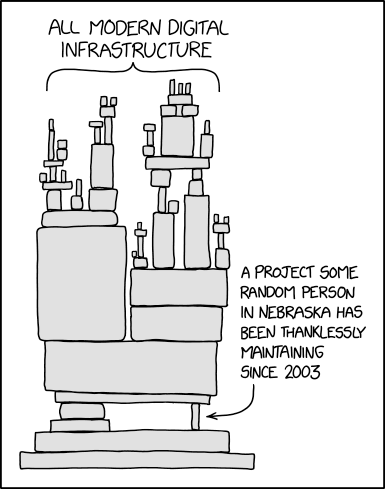
Recently a client asked me to investigate an issue on their production environment. My investigation led me to an old .Net Framework application that had been written by a long departed staff member. My client didn’t have the source code for this application but were able to send me all of the files to be decompiled.
We shortly figured out that the problem was coming from a stored procedure that the application depended on. Once we updated the stored procedure however we ran into another problem: “the underlying connection was closed an unexpected error occurred on a send”.
The application was trying to use an older version of TLS which is no good, so we tried a bunch of methods to force the application to use TLS 1.2 including forcing TLS 1.2 via IIS crypto, updating the system registry keys, and updating the application configuration.
What eventually did work was introducing the following into the application configuration:
<?xml version="1.0" encoding="utf-8"?>
<configuration>
<startup>
<supportedRuntime version="v4.0" sku=".NETFramework,Version=v4.8" />
</startup>
</configuration>
When I decompiled the code, I created a new solution in Visual Studio and imported the code. When I set the .Net Framework version to 4.8 the application reloaded without any build errors. This led me to try making the application use .Net Framework 4.8 without having to re-deploy it. The above configuration worked as .Net Framework 4.8 was already installed on the server and this version of .Net Framework uses TLS 1.2 by default.
I decided to put this short post together because it may help others overcome the same issue.